Ships Between 4 to 7 Days
Order before 15:00 to expedite shipping
Secure Payments
Secured by OZOW and Paystack
Free Shipping for orders above R3000
We will ship your order for free to anywhere in SA - Our Gift to you!
Order before 15:00 to expedite shipping
Secured by OZOW and Paystack
We will ship your order for free to anywhere in SA - Our Gift to you!

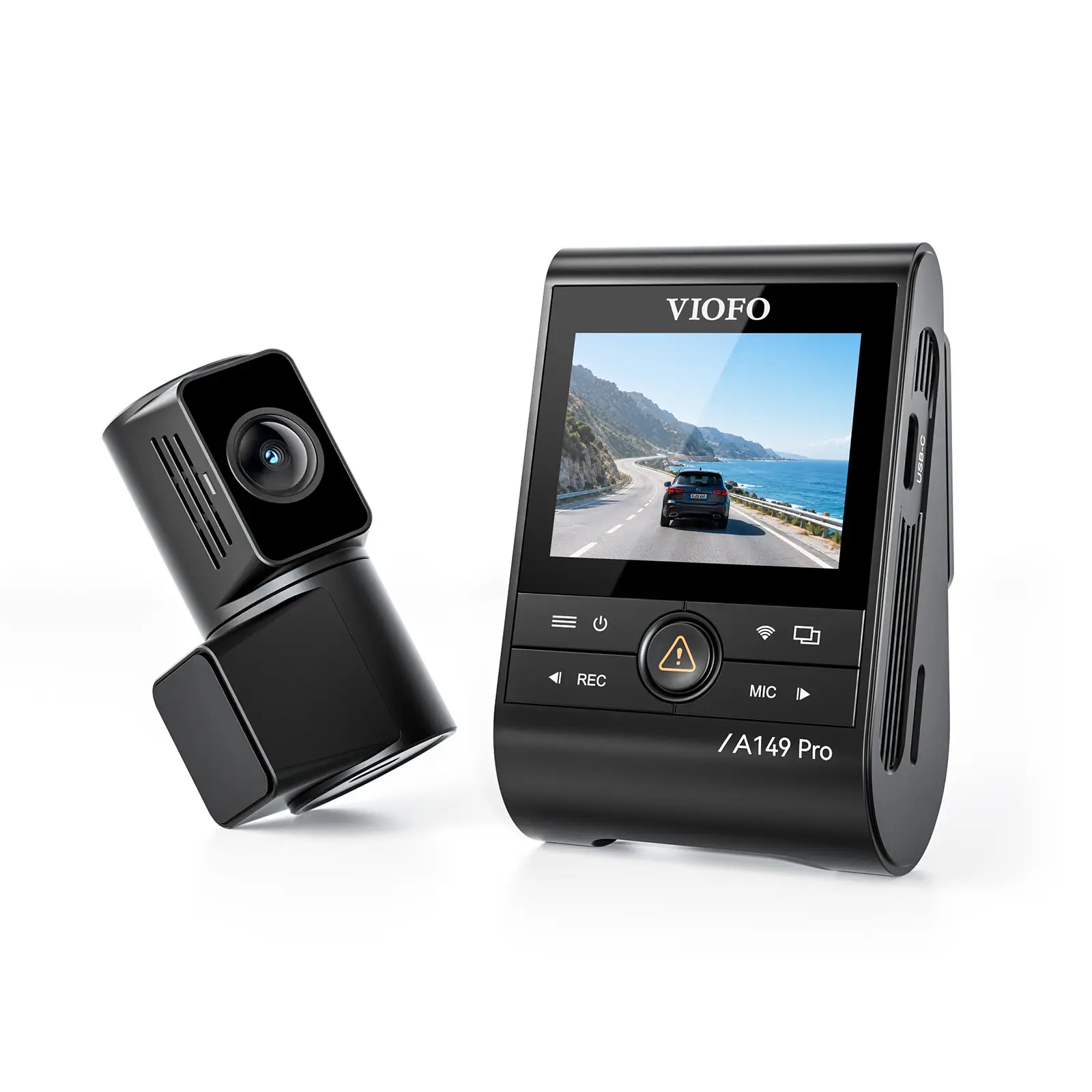
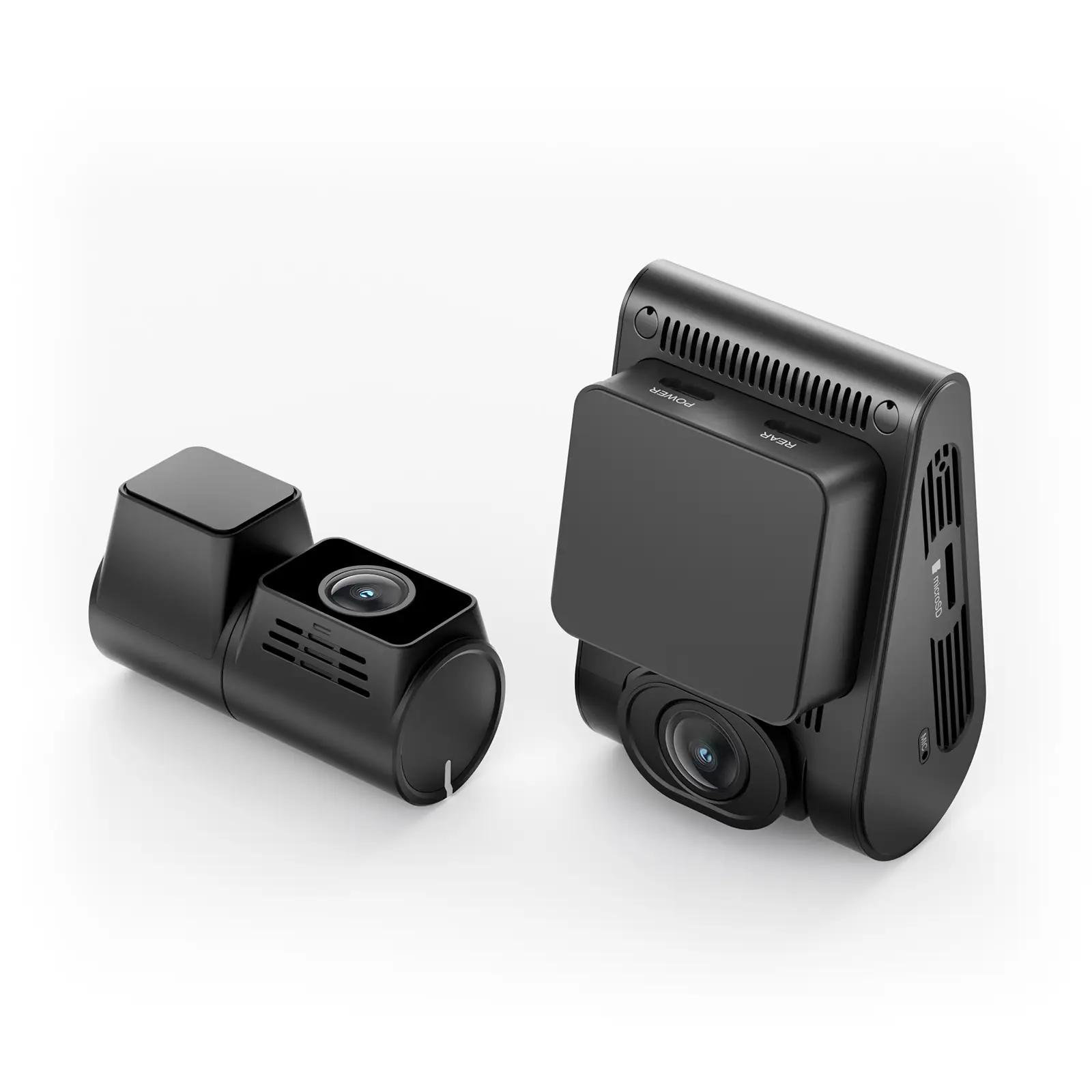
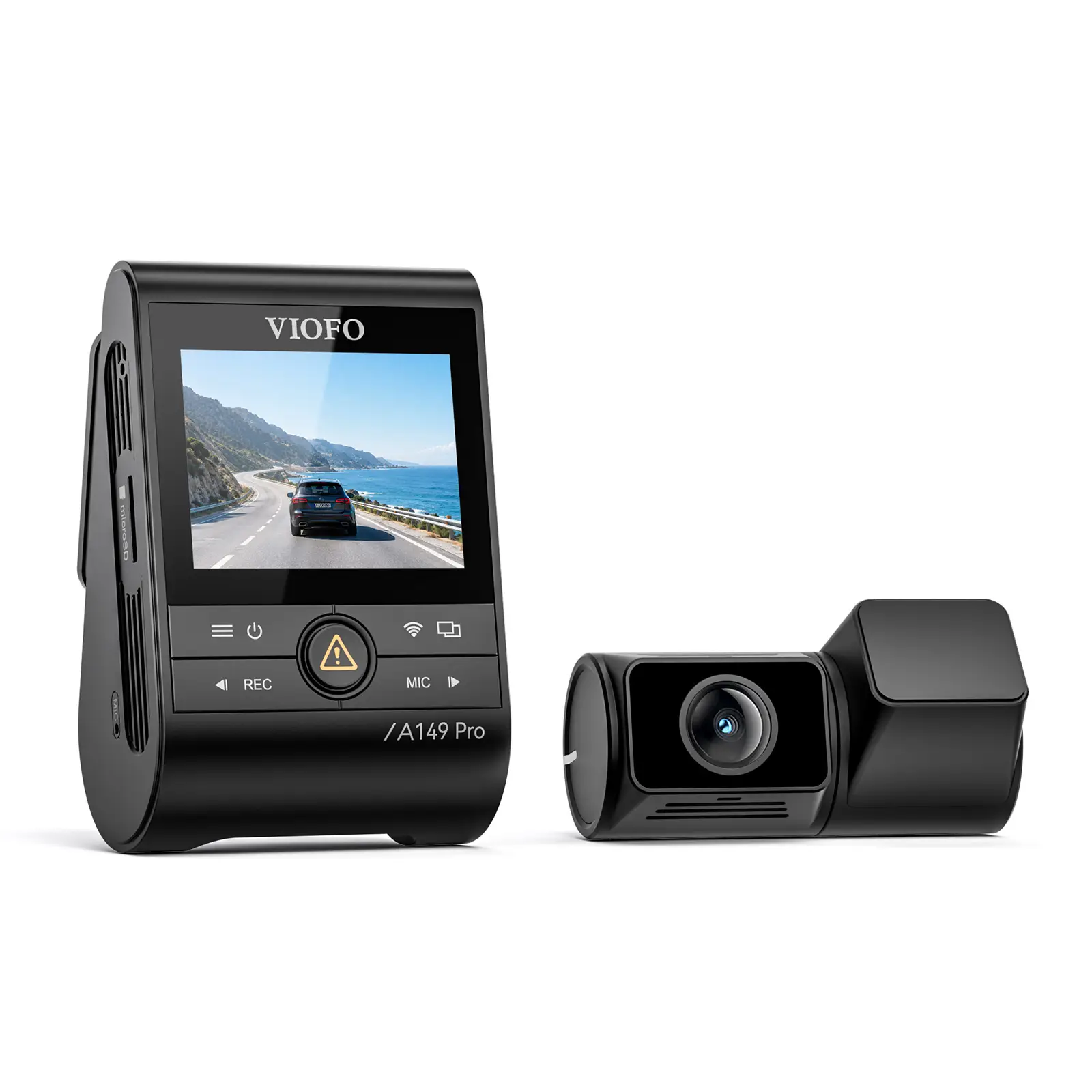
R3 843.30 – R8 919.40Price range: R3 843.30 through R8 919.40 Incl, Vat
Contact Us
4 - 7 Business Days
Payments are handled via our payment partners, we do not store any credit card details on our website.

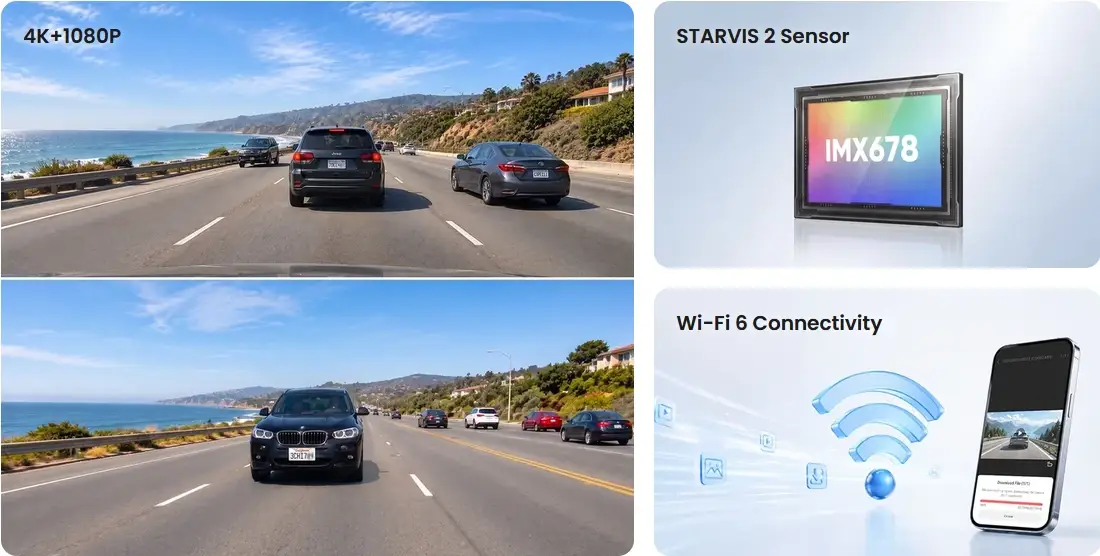
Sony STARVIS 2
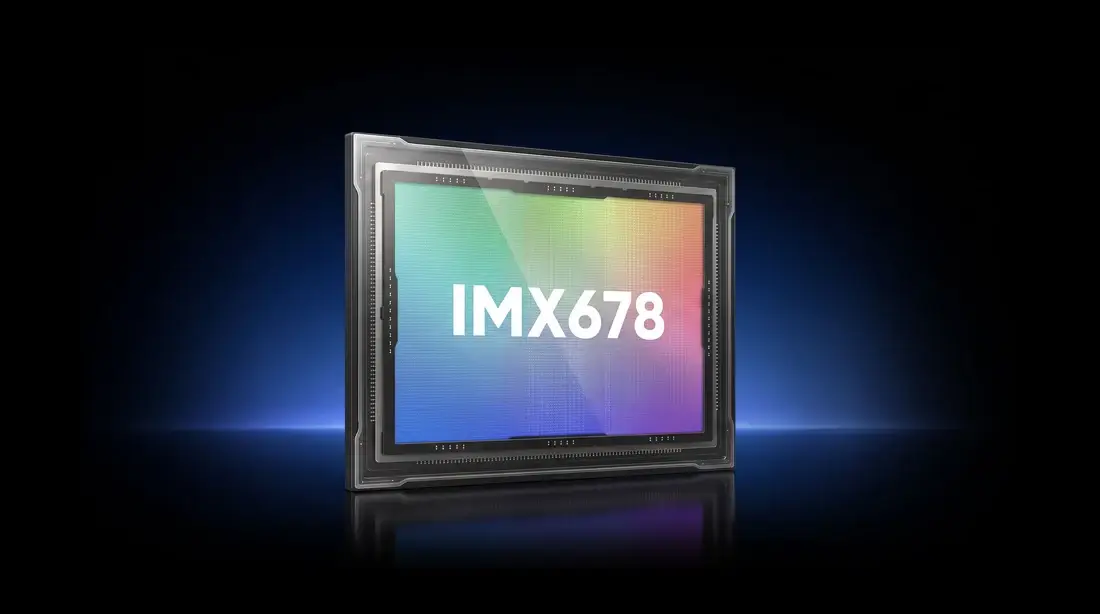
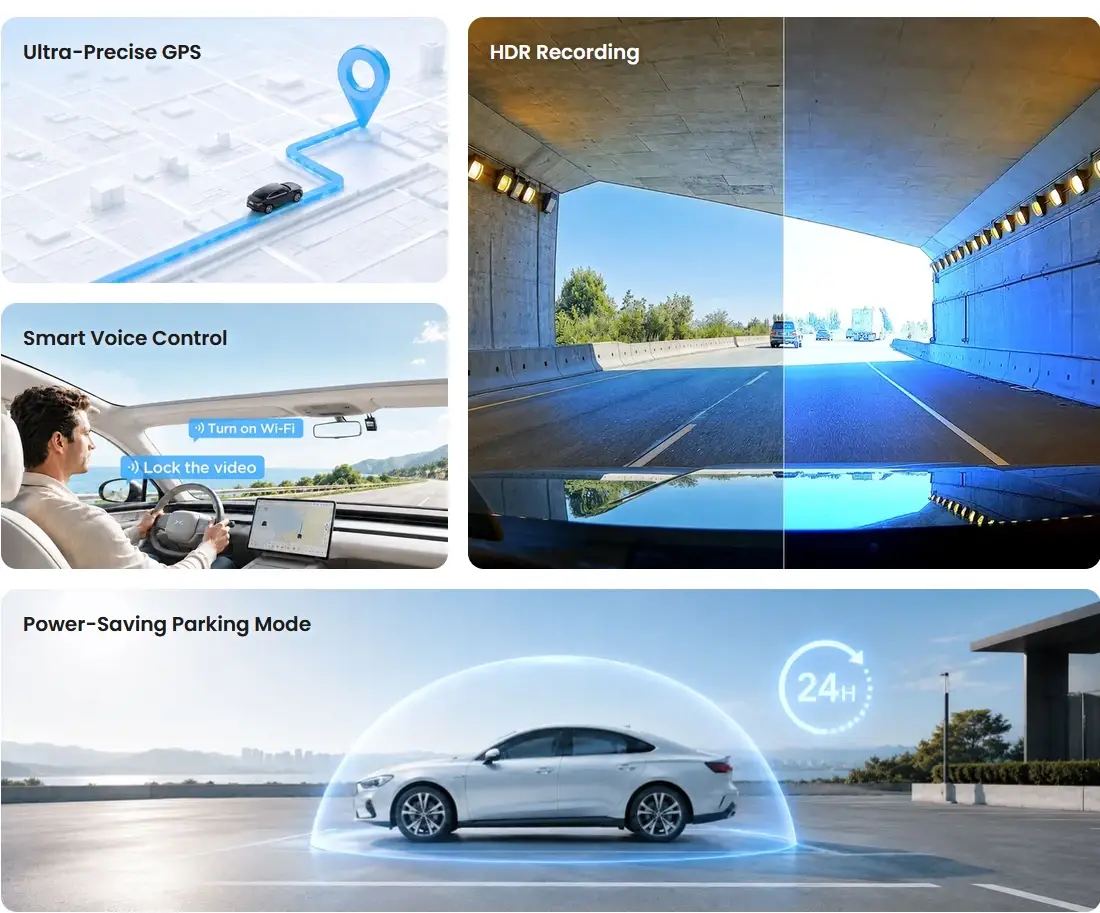
Sony STARVIS 2 technology and the HDR feature work together to balance extremely bright and dark areas, revealing detail and keeping license plates legible across all channels – even in fast-moving scenes.

The front camera records in stunning 4K with a Sony STARVIS 2 image sensor that packs in more pixels for greater clarity and detail. It captures license plates and fine details with exceptional clarity, day and night – even at highway speeds.

1080P Rear Recording
A149 Pro Duo rear camera records in crisp 1080P resolution, capturing clearer details and improved image stability.
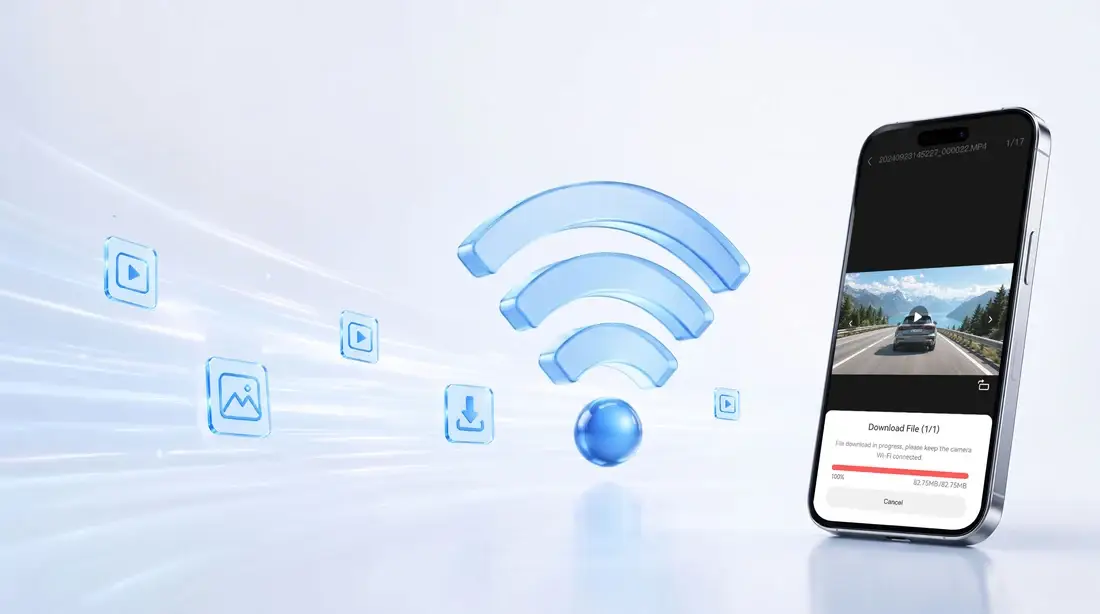
Experience up to 3× faster downloads with industry-leading Wi-Fi technology. With transfer rates of up to 30MB/s, you can pull a one-minute 4K video to your phone in 10 seconds. Slow, buffering downloads become a thing of the past.
Whether you’re weaving through morning traffic or heading out on a weekend road trip, the A149 Pro’s Quad-Mode GPS keeps your journey documented the whole way. It draws on four global satellite systems (GPS, BeiDou, Galileo, and GLONASS) for pinpoint accuracy. On playback, review detailed speed, location, and time data – a reliable record of every mile.
*To view GPS maps in the VIOFO App or VIOFO PC player, download the video first.
Hybrid parking starts in time-lapse, low-bitrate or event-detection recording, then switches to impact detection once your set cut-off time or battery voltage is reached.
Very low power draw makes this mode ideal for long parking sessions. A149 Pro waits in standby with impact detection always on, waking within 2 seconds to record a one-minute clip.
Time Lapse Recording
Capture footage without audio at optional frame rates of 1 / 2 / 3 / 5 / 10 fps to conserve storage space and power. With Super Night Vision, the time-lapse footage is brighter and clearer, even in near-total darkness.
Records continuously at a reduced bitrate to extend recording time and save storage while parked.
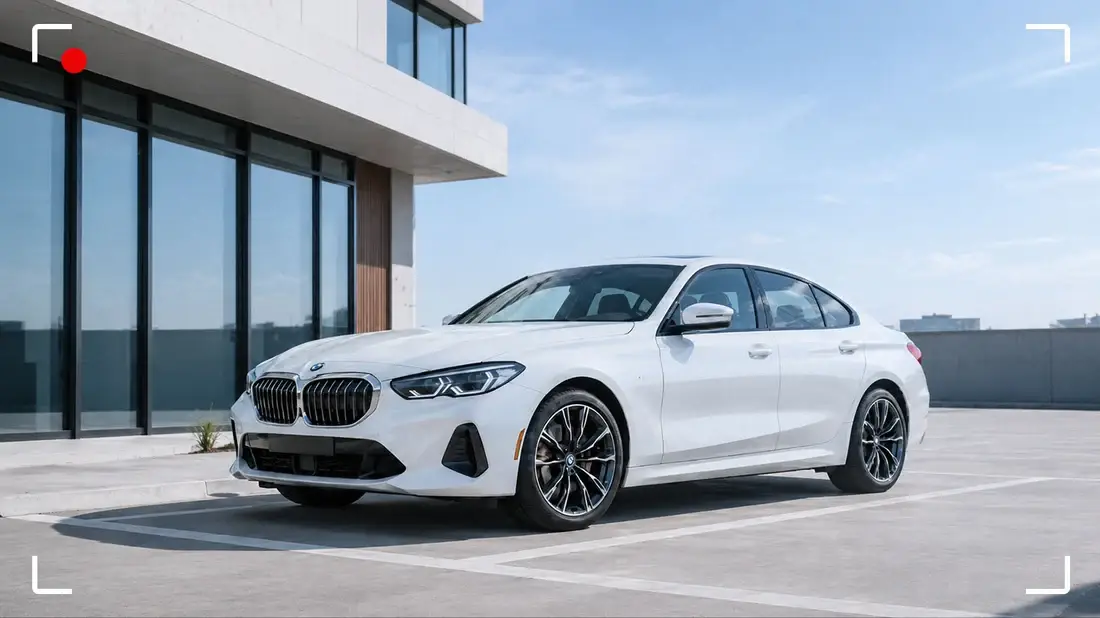
Detects motion and impacts around your parked car, automatically saving the moments before and after each event.

Define trusted locations — your home garage or workplace — and A149 Pro shuts down there instead of entering parking mode. Enable Low Power Impact Recording to keep impact detection on inside those zones.
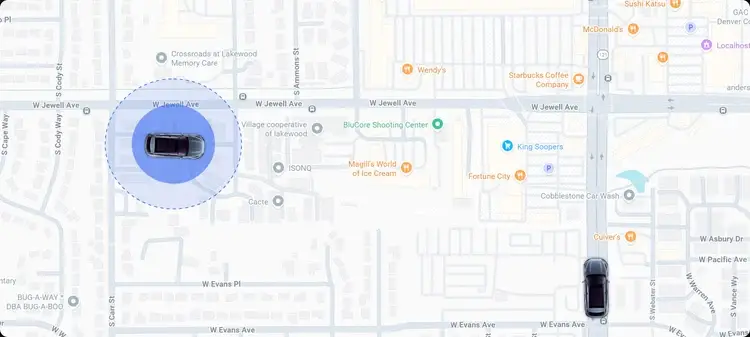
If voltage ever drops below the level set on the hardwire kit’s cutoff switch, power is cut entirely to protect the battery.

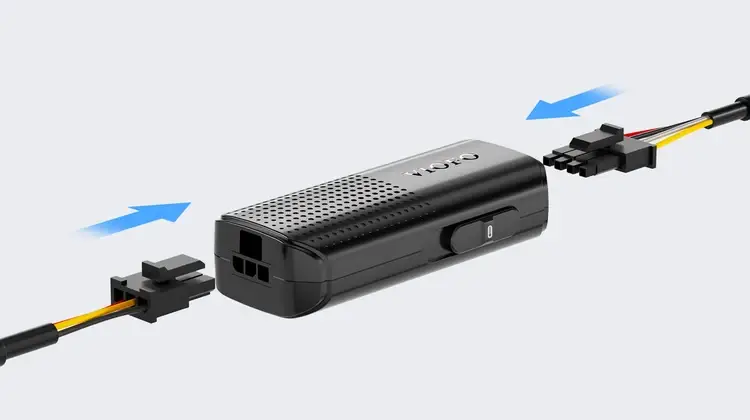
With removable input and output cables and simple plug-in connections, installation, maintenance, and future upgrades are easier than ever.
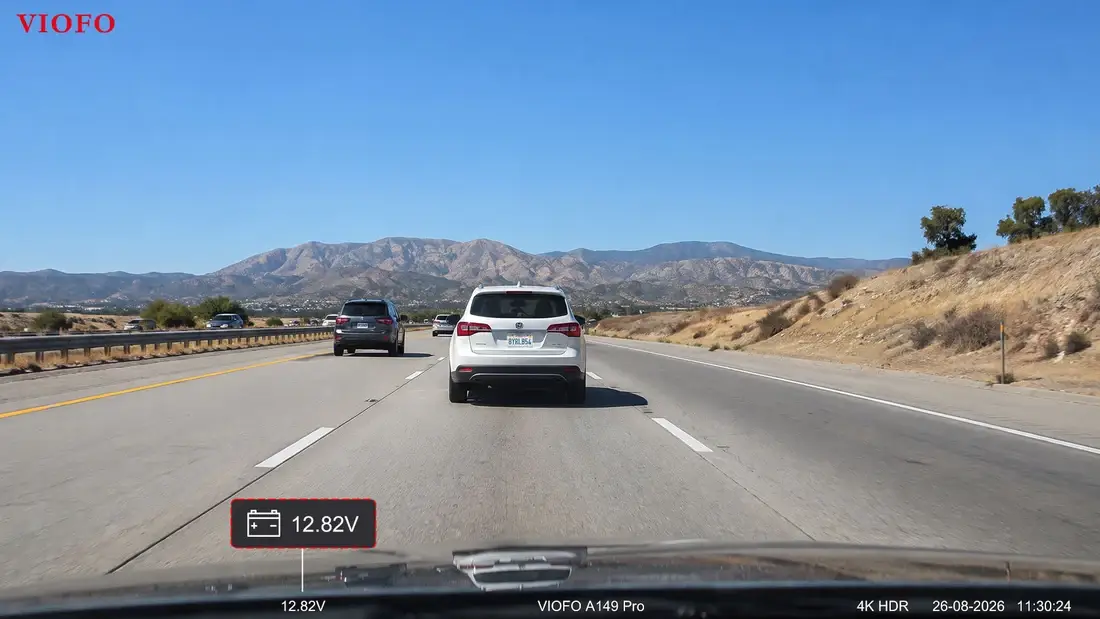
Check your car battery’s real-time voltage in the VIOFO app via Bluetooth, anytime.
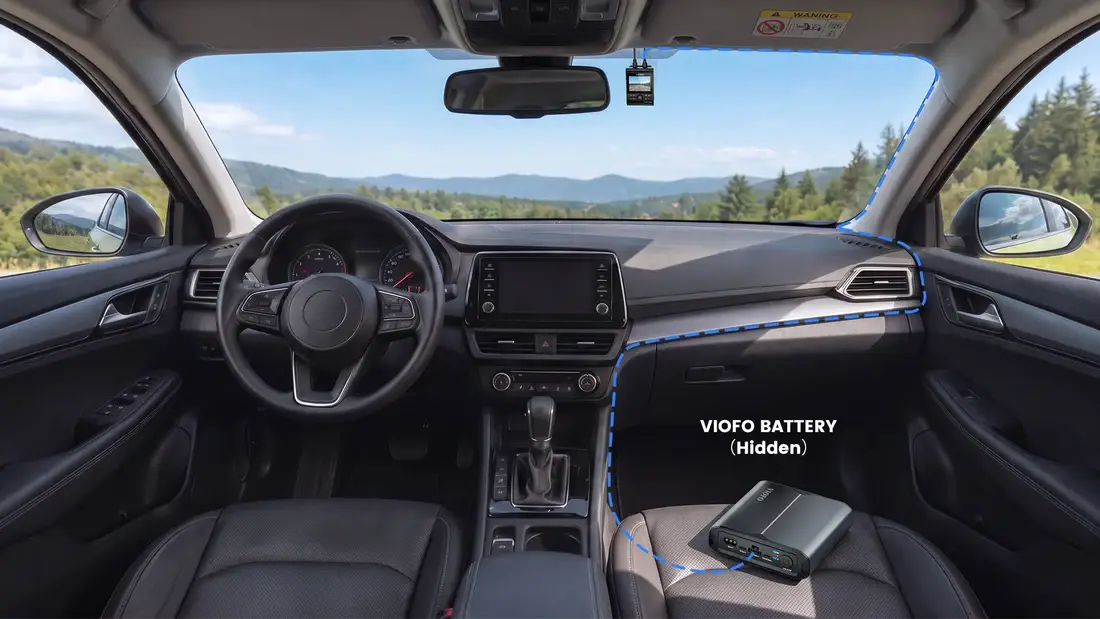
Pair with the VIOFO BP100 or BP60 battery pack (sold separately) and parking mode runs on battery power — for hours longer, without draining your vehicle battery.
Smart Bluetooth features show battery level in the app and on footage.
Connected to the battery pack, the dash cam reads its level wirelessly and ends parking recording at the reserve you choose (5% / 8% / 10% / 15%). The reserve keeps impact detection armed, so the camera can still wake and record if the car is hit.
Check the battery pack level on the app home screen — even while the dash cam is off. The dashboard adds charging status, temperature, input and output readings, and the estimated remaining runtime.

Enable the Battery Pack Capacity stamp and every clip records the remaining battery level at the moment of recording — useful context when reviewing a parking incident days later.

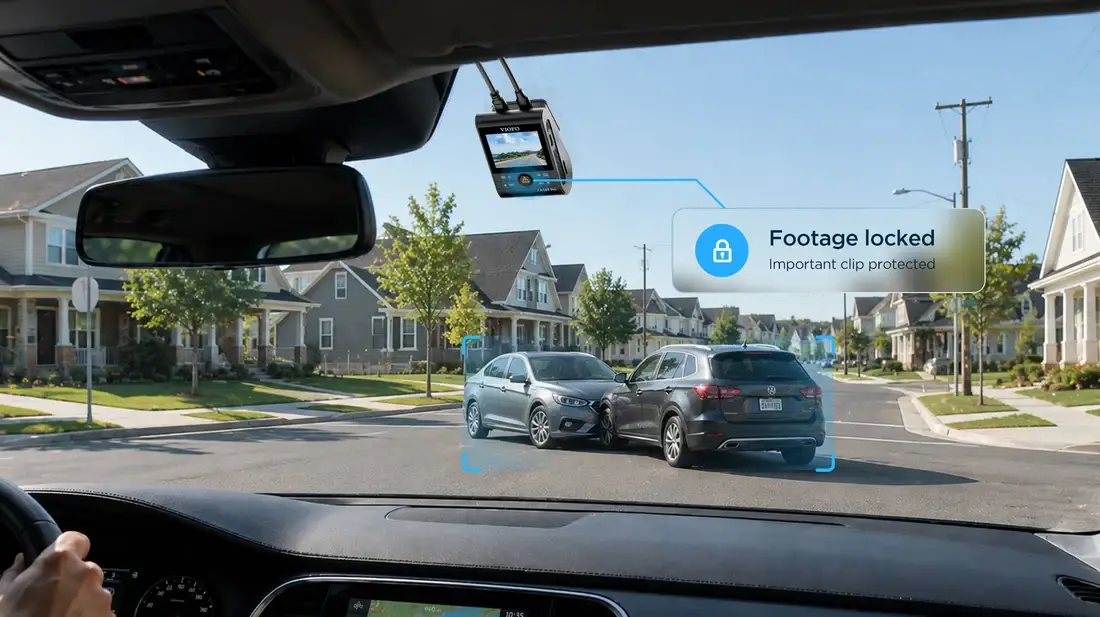
The A149 Pro places an easy-to-reach emergency button on the front for instant footage protection. The built-in G-sensor automatically locks recordings in the event of an impact, while the manual button allows you to save important clips anytime with a single press.
Drive smarter and safer with hands-free voice commands. From taking snapshots to locking clips, the A149 Pro backs you up with multi-language voice support. It also notifies you of microSD errors or setting changes, making every journey safer and more intuitive.
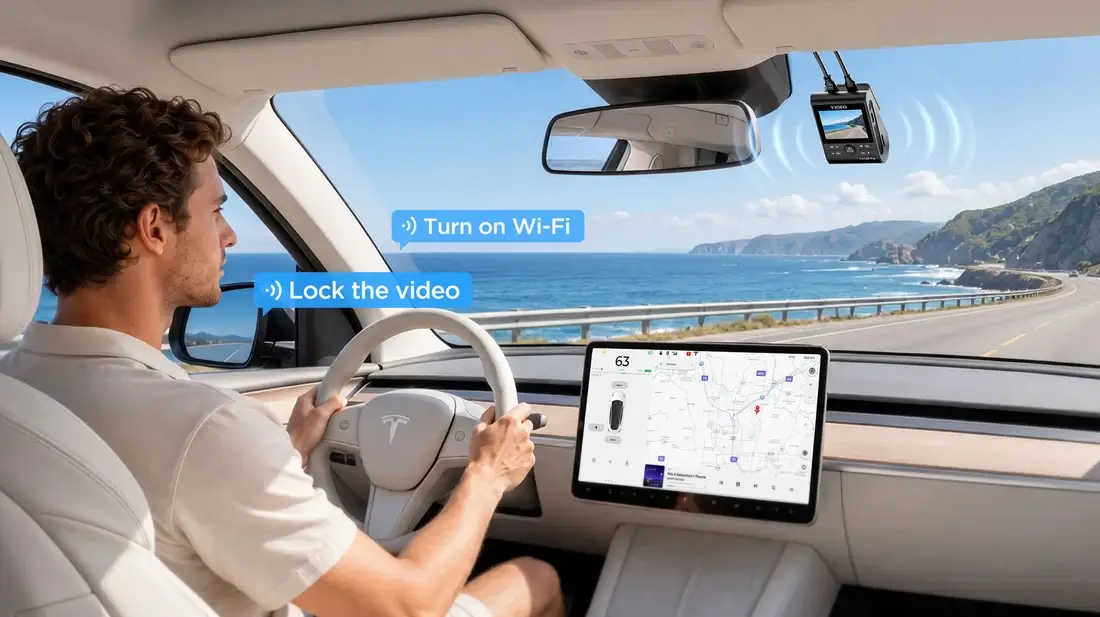
*Voice control supports English, Chinese (Mandarin), Russian, and Japanese.
Mount the Bluetooth remote wherever it is easy to reach for safe, simple use while driving. Press the middle button to instantly protect the current clip and photo. The two side buttons can be customized to different functions.

A CPL (Circular Polarizing Lens) filter can be used to reduce reflections and glare off glass and road surfaces, bringing improved image clarity and contrast.
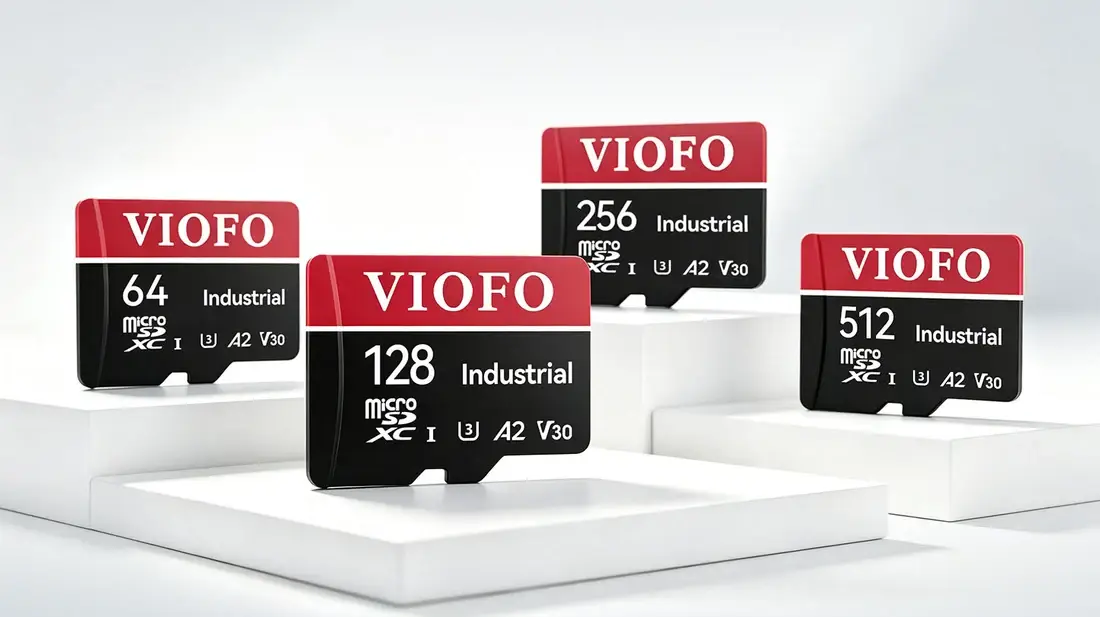
Don’t risk dropped frames or missing evidence. Built for constant dash cam recording, VIOFO industrial-grade microSD cards ensure smooth, error-free storage on every journey.
*For optimal performance, we recommend using a VIOFO microSD card.
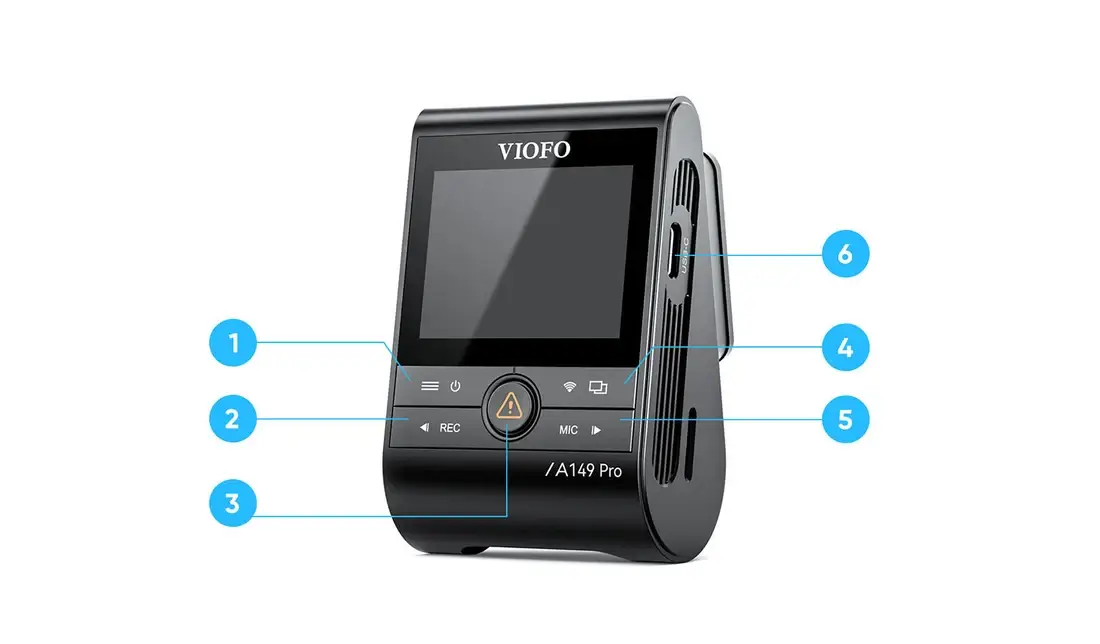
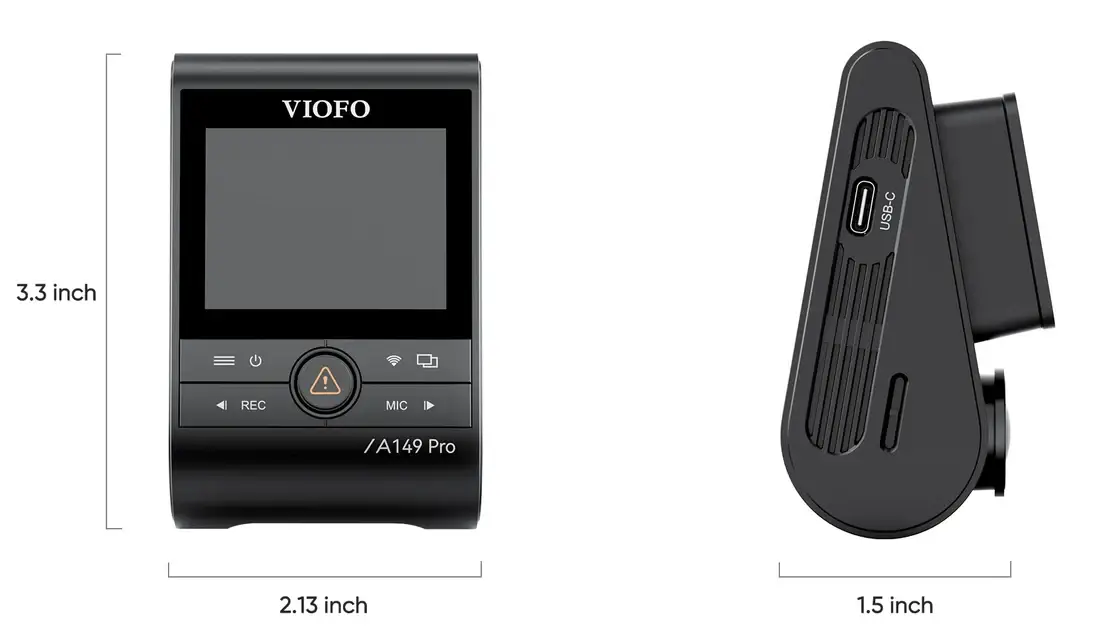
1 — Menu / Power On/Off 2 — Menu Up / Recording Start/Stop 3 — Menu Confirm / Video Protect / Playback 4 — Wi-Fi On/Off / Camera View Switch 5 — Menu Down / Microphone On/Off 6 — Power In / Data Cable Port (does not support Parking Mode)
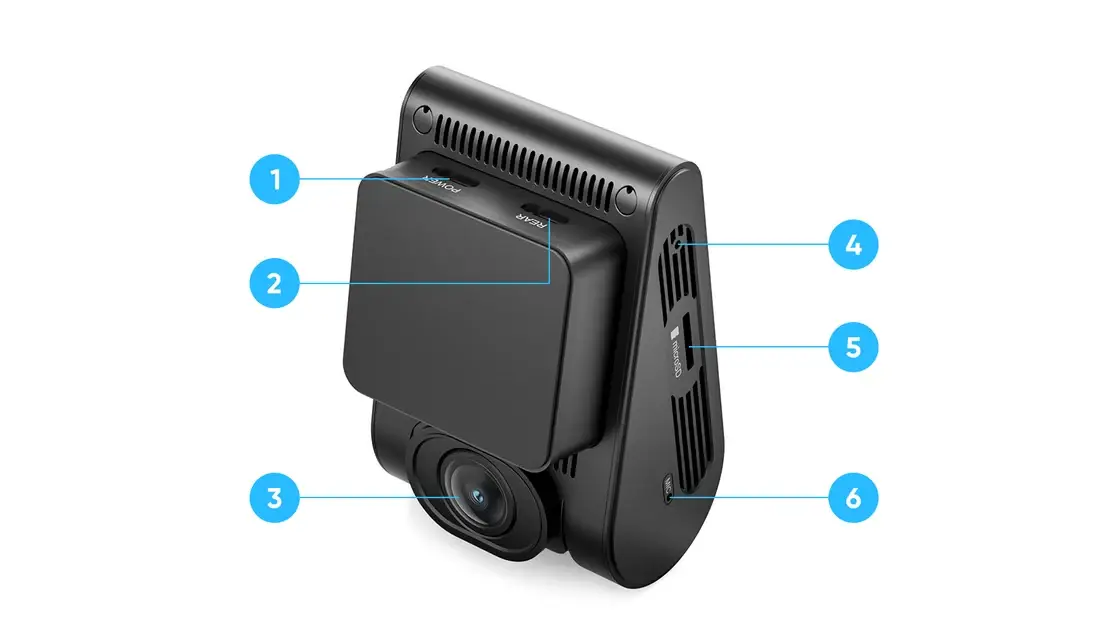
1 — Power Port 2 — Rear Camera Port 3 — Lens 4 — Reset Pinhole 5 — Memory Card Slot 6 — Microphone Hole

Please use the original car charger and power cable for this model. Do not use chargers or cables from other devices.


| SD Card Size | None, 64GB, 128GB, 256GB, 512GB |
|---|---|
| Parking Mode Kit | Not Included, Included |
Q: Which cameras are included with the A149 Pro Duo?
A: Two cameras: a 4K front camera and a 1080P rear camera.
Q: What recording resolutions does A149 Pro Duo Support?
A: 4K at 30fps on the front camera and 1080P at 30fps on the rear, with HDR on both channels.
Q: Which parking recording modes are supported?
A: Five: Hybrid Parking Recording, Low Power Impact Detection, Auto Event Detection, Time-lapse Recording and Low Bitrate Recording. Hybrid Parking starts in time-lapse, low-bitrate or event-detection recording, then switches to impact detection once your set cut-off time or battery voltage is reached.
Q: Is a hardwire kit required for parking recording?
A: Only if you want parking mode. For everyday driving the included car charger is all you need. To keep recording after the engine is off, add the HK6-A hardwire kit (sold separately): it powers the camera from the fuse box and enables cut-off voltage protection for your car battery. If you would rather not draw on the vehicle battery at all, a VIOFO BP100 or BP60 battery pack (sold separately) can power parking mode instead.
Q: Which Wi-Fi bands are supported?
A: Built-in Wi-Fi 6 supports both 2.4 GHz and 5 GHz connections.
Q: What is the maximum supported microSD card capacity?
A: Up to 512GB (sold separately). For continuous recording we recommend a VIOFO industrial-grade high-endurance card.
Q: Which CPL filters and Bluetooth remote are supported?
A: The front camera ships with a CPL-800 filter; a CPL-600 is available as an option for the rear camera. Bluetooth is built in, so you can add the optional BTR200 remote and lock a clip with one press.